← All Features
✓ Live Now

🎤 AI Call Center

11 specialized AI voice agents handle every call your company makes or receives — dispatch, recruiting, onboarding, support, and outbound campaigns. 24 hours a day, 7 days a week, in English, Russian, and Spanish. Zero hold time. Every call recorded and transcribed.

Get Started Free → Meet Aida Dispatcher →
11
Live AI agents
GPT-4o
Realtime voice
3
Languages
0s
Hold time
AI call center with 11 GPT-4o voice agents
🤖 The 11 Agents
Meet every agent in the system.

Each agent is a specialized AI trained for a specific role. They share a common knowledge base about your company but have distinct personalities, conversation flows, and objectives.

Aida — Lead Dispatcher
The primary outbound dispatch agent. Aida calls brokers, asks for their rate, negotiates using floor/target/max logic, and books loads. She handles rate con requests, sends follow-up emails, and logs everything in your TMS. Activates automatically when a new load enters your pipeline or when you enable her on a lane.
“Hi, this is Aida with Midwest Freight. I’m calling about the Chicago to Atlanta lane. What are you paying today?”
💼
Alex — Carrier Sales
Handles outbound carrier acquisition calls for brokerages and 3PLs. Alex contacts carriers from prospect lists, qualifies their equipment and lanes, collects carrier packets, and schedules onboarding. Designed for companies building their carrier network. Activates during outbound sales campaigns.
“Hi, this is Alex. I’m reaching out from VAU0 Logistics. We have consistent freight on the I-65 corridor. What kind of equipment are you running?”
🎯
Sarah — Driver Recruiting
Handles inbound calls from drivers responding to job postings. Sarah qualifies CDL class, endorsements, experience, accident history, and availability. She explains pay structure, home time, equipment, and benefits. Qualified drivers are transferred to your recruiter or booked for an interview. Activates when a driver calls your recruiting line.
“Thanks for calling! I’d love to learn more about your experience. How many years have you been driving, and what class CDL do you hold?”
📋
Monica — Onboarding Support
Guides new drivers through the application process step by step. Monica helps with portal registration, document uploads (CDL, medical card, MVR), insurance forms, and direct deposit setup. She answers common questions about orientation, equipment, and first-week logistics. Activates when a new driver is in the onboarding pipeline.
“I see you’re still missing your medical card upload. If you go to the Driver Portal, click Documents, and upload a photo of the front and back — I’ll verify it right away.”
🛠
Ryan — Technical Support
Handles inbound support calls about the VAU0 portal, driver app, ELD devices, and GPS tracking. Ryan can walk callers through login issues, app installation, ELD pairing, document uploads, and dashboard navigation. He escalates complex technical issues to your team with a full summary. Activates on inbound support calls.
“Let’s get that ELD paired. First, make sure Bluetooth is enabled on your phone. Then open the ERETH app and tap ‘Connect Device.’ Do you see a device name starting with ELD?”
📣
Blake — Outbound Campaigns
Runs large-scale outbound call campaigns for driver recruiting. You upload a list of driver phone numbers, set a script and qualification criteria, and Blake calls through the list automatically. He tracks who answered, who was interested, who needs a callback, and who declined. Campaign results are available in your dashboard in real time.
“Hi, this is Blake calling from VAU0. I saw your profile on our driver network. We have OTR positions with dry van available this week. Would you be interested in learning more?”
🌙
Morgan — After-Hours Outreach
Handles overnight and weekend recruiting calls. Many drivers are only available to talk after their shift ends — often between 7pm and 10pm local time. Morgan calls during these windows, qualifies interest, and schedules next-day callbacks with your recruiter. She is configured to respect Do Not Call hours by time zone.
“Hey, I know it’s evening and you’re probably just getting off the road. I’ll keep this quick — we have regional runs in the Southeast. Would tomorrow morning work for a longer conversation?”
💬
Elena — Customer Service
The front-line inbound agent. Elena answers general inquiries, determines what the caller needs, and routes them to the appropriate specialized agent. She handles questions about company services, operating areas, and general information. If no specific agent is needed, Elena resolves the inquiry herself. Activates on every inbound call as the first point of contact.
“Thank you for calling VAU0. My name is Elena. How can I help you today? If you’re a driver looking to apply, I can transfer you to our recruiting team right away.”
🇪🇸
Carlos — Spanish Language Agent
Handles all calls in Spanish. Carlos covers dispatch, recruiting, onboarding, and support for Spanish-speaking drivers, brokers, and partners. He has the same knowledge and capabilities as the English-language agents but communicates entirely in Spanish. Activates when a caller requests Spanish or when the system detects Spanish speech.
“Gracias por llamar a VAU0. Me llamo Carlos. ¿En qué puedo ayudarle hoy? Si desea información sobre oportunidades de trabajo, puedo asistirle ahora mismo.”
📚
Taylor — Admin Support
Assists with internal operations. Taylor handles calls related to insurance certificates, carrier packet requests, W-9 form submissions, and vendor onboarding. She can pull up carrier profile information and walk callers through administrative processes. Activates when calls are flagged as administrative or operational in nature.
“I can send you our insurance certificate and W-9 right now. What email address should I use? I’ll have those over to you within the next two minutes.”
🔄
Jordan — Overflow & Backup
Handles peak volume when other agents are on calls. During high-traffic periods (Monday mornings, end-of-quarter, holiday weekends), Jordan picks up overflow calls so no caller waits. He is trained across all departments and can handle dispatch, recruiting, or support calls depending on what’s needed. Activates automatically when call volume exceeds normal capacity.
“Hi there! It looks like we’re pretty busy right now, but I’m here to help. What can I do for you today?”

⚙ Under the Hood
How Voice AI Actually Works

A technical look at the three-layer system that powers every AI voice call — from the moment sound enters the microphone to the moment a response is spoken back.

🎙
Layer 1: Speech-to-Text (Deepgram)
When a caller speaks, their audio is streamed in real time to Deepgram’s Nova-2 speech recognition model. Deepgram converts spoken words into text with less than 200ms latency and handles background noise, accents, and trucking industry terminology. The text output is immediately passed to the reasoning layer. Deepgram processes audio in streaming mode, meaning the AI starts “hearing” the caller before they finish speaking.
🧠
Layer 2: Reasoning (Claude Haiku)
The transcribed text is sent to Anthropic’s Claude Haiku model along with the agent’s system prompt, conversation history, and any relevant data (rate parameters, driver records, load details). Claude reasons about the appropriate response in under 150ms. It decides what to say, whether to ask a follow-up question, when to transfer to another agent, and what actions to take (book a load, schedule a callback, send an email). Each agent has a unique system prompt that defines its personality, objectives, and constraints.
🔈
Layer 3: Text-to-Speech (ElevenLabs)
Claude’s text response is sent to ElevenLabs for voice synthesis. Each agent has a unique voice — Aida sounds different from Sarah, Carlos speaks in a natural Spanish accent, and Ryan has a calm, patient support-oriented tone. ElevenLabs generates audio in streaming mode, so the caller hears the first word within 100ms of Claude finishing its reasoning. Total end-to-end latency from the caller finishing a sentence to hearing a response is under 500ms.
🕓
End-to-End Latency: Under 500ms
The entire pipeline — Deepgram transcription (200ms) + Claude reasoning (150ms) + ElevenLabs synthesis (100ms) — completes in under half a second. This is fast enough that the conversation feels natural, with no awkward pauses. For comparison, typical human response time in phone conversations is 400–800ms. The AI responds within the same range as a human, making it nearly impossible for callers to detect they are speaking with AI.
📝
Call Recording & Transcription
Every call is recorded in full and stored securely. A complete transcript is generated in real-time during the call. After the call ends, a post-call analysis agent reviews the transcript, extracts key data points (rates discussed, names mentioned, decisions made), and updates the relevant records in your dashboard. Recordings are stored for 90 days by default and can be extended. Transcripts are searchable across all calls.
Voice AI technology powering VAU0 call center
🔄 Call Flow
How Every Call Is Handled

Whether a call comes in or goes out, every call follows the same five-stage process. Here is what happens behind the scenes from the moment a call connects.

1
Call Connects
For inbound calls, the phone is answered in under 2 rings. Elena greets the caller and determines intent. For outbound calls, the appropriate agent (Aida for dispatch, Blake for recruiting, Alex for sales) dials the number and waits for an answer. If voicemail is detected, the Voicemail Agent takes over and leaves a recorded message.
2
Agent Selection
The system determines which specialized agent should handle the call. For inbound calls, this is based on the caller’s stated intent, phone number recognition (known drivers get routed to support, unknown numbers go to Elena), and time of day. For outbound calls, the agent is pre-assigned based on the campaign type. Transfers between agents happen seamlessly mid-call if needed.
3
Conversation
The agent engages in natural conversation, asking questions, answering questions, handling objections, and working toward its objective. Dispatch agents negotiate rates. Recruiting agents qualify candidates. Support agents troubleshoot problems. Each agent has guard rails that prevent it from making unauthorized commitments, sharing incorrect information, or going off-script in critical moments.
4
Action Taken
Based on the conversation, the agent takes concrete action. Load booked and entered in TMS. Driver qualified and added to recruiting pipeline. Support ticket created and assigned. Callback scheduled in the Follow-Up Scheduler. Rate confirmation requested via email. These actions are taken automatically during or immediately after the call — no human needs to intervene.
5
Follow-up
After the call ends, the Email Composer sends relevant follow-up communications. The Analytics Engine logs call metrics. The post-call trainer reviews the transcript for quality assurance. If a callback was promised, the Follow-Up Scheduler queues the next call. All data appears in your dashboard immediately — you can review recordings, transcripts, and outcomes for every call.
💬 Sample Conversations
What AI calls actually sound like.

These are representative examples of real conversations between VAU0’s AI agents and brokers/drivers. Names and details changed for privacy.

Dispatch Call — Aida
Aida: Hi, this is Aida calling from Great Plains Transport. I’m looking for loads on the Dallas to Memphis lane for a 53-foot dry van. What do you have available?
Broker: Yeah, I’ve got a full truckload, 42,000 pounds, picking up tomorrow morning at 8am. I can do $2,100.
Aida: I appreciate the offer. We typically run this lane a little higher. Would you be able to do $2,500?
Broker: That’s a bit steep. Best I can do is $2,250.
Aida: I understand. Could we meet at $2,350? That works for our truck and your timeline.
Broker: $2,300 and we have a deal.
Aida: $2,300 works. I’ll take it. Can you send the rate con to dispatch@greatplainstransport.com? I’ll confirm details over email as well.
✓ Load booked at $2,300. Floor was $2,200. Target was $2,500. Call duration: 1m 42s.
Recruiting Call — Sarah
Sarah: Thanks for calling VAU0! This is Sarah. Are you calling about a driving position?
Driver: Yeah, I saw your ad online. I’ve got 6 years OTR experience, Class A CDL.
Sarah: That’s great experience. Do you have any endorsements — hazmat, tanker, doubles/triples?
Driver: Hazmat and tanker. No doubles.
Sarah: Perfect. Any accidents or moving violations in the last three years?
Driver: Clean record. No accidents.
Sarah: You sound like a strong candidate. I’m going to send you a link to our online application. It takes about 10 minutes. Once you complete it, our recruiter will follow up within 24 hours to discuss pay and routes.
✓ Driver qualified. Application link sent. Added to recruiting pipeline. Call duration: 2m 15s.
Support Call — Ryan
Ryan: Hi, this is Ryan with VAU0 support. How can I help?
Driver: My ELD isn’t showing up in the app. I’ve been trying for 20 minutes.
Ryan: I’m sorry about that. Let’s fix it. First — is your Bluetooth turned on? And are you within about 15 feet of the ELD device?
Driver: Yeah, Bluetooth is on. I’m sitting right next to it.
Ryan: Try this: close the ERETH app completely, then reopen it and go to Settings, then Devices. Tap “Forget All Devices” and then tap “Scan for ELD.” It should find the device within 10 seconds.
Driver: Hold on... yeah, it found it. It says “ELD-4829.” Tapping connect now. It’s connected. It’s working.
Ryan: Great, glad that worked. If it happens again, the “Forget All Devices” step usually fixes it. Is there anything else I can help with?
✓ Issue resolved. ELD connected successfully. Call duration: 3m 08s.
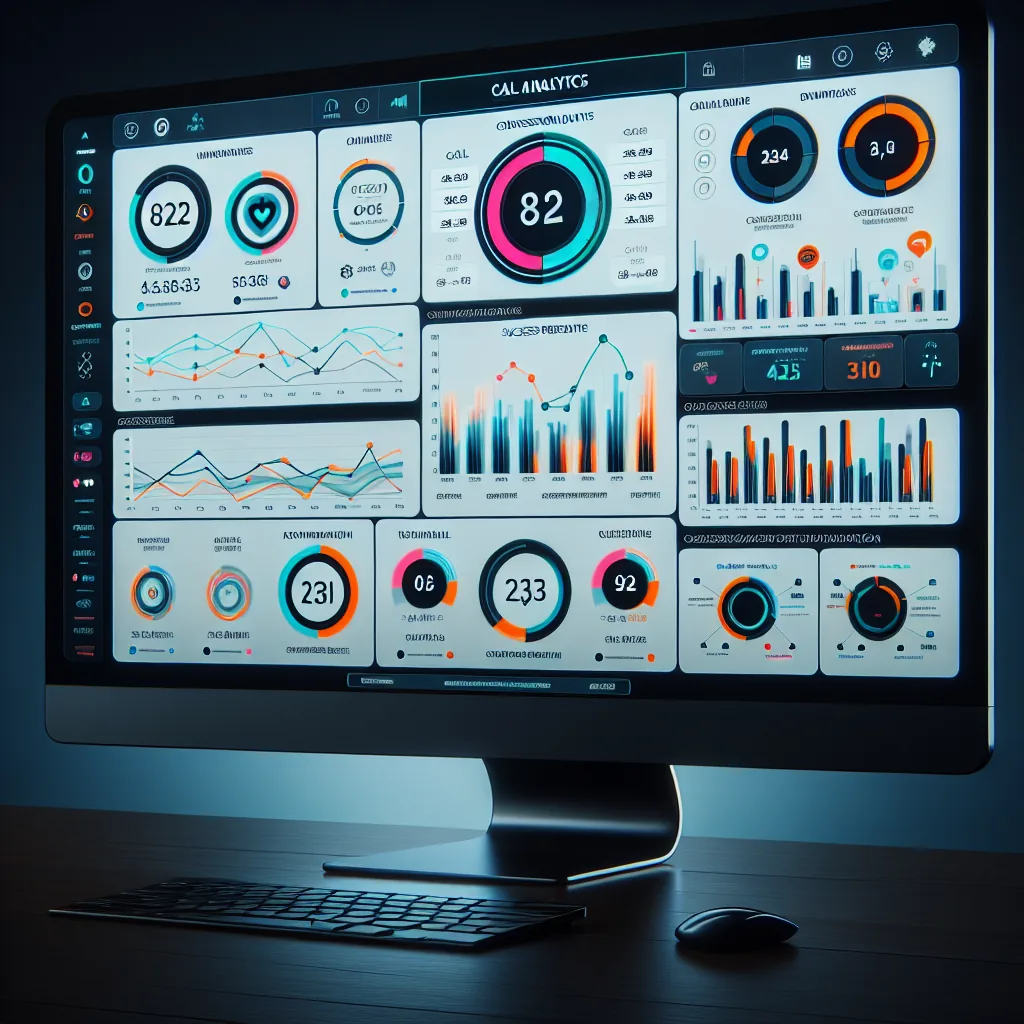
Call analytics and performance dashboard
📊 Analytics
Call Analytics Dashboard

Every call generates data. Your dashboard turns that data into actionable insights about what’s working and what needs adjustment.

📞
Calls Per Day
Track total outbound and inbound calls by hour, day, and week. See when call volume peaks (typically Monday mornings and Thursday afternoons for dispatch, evenings for recruiting). Identify quiet periods where agents could be running more campaigns. Compare day-over-day performance to spot trends.
🎯
Success Rate
Percentage of calls that result in the desired outcome — load booked for dispatch, driver qualified for recruiting, issue resolved for support. Break down success rates by agent, by lane, by time of day, and by broker. Identify which brokers consistently close and which are worth deprioritizing from your call list.
🕑
Average Call Duration
See how long each type of call takes. Dispatch calls average 90 seconds. Recruiting qualification calls average 2–3 minutes. Support calls vary from 1 minute (simple questions) to 5 minutes (technical troubleshooting). Unusually long calls are flagged for review to identify edge cases the agents struggled with.
📈
Top Performing Lanes
Ranked list of your lanes by revenue generated, booking success rate, and average rate per mile. See which lanes consistently book above target and which lanes struggle to meet floor rates. Use this data to decide where to position trucks and which lanes to add or remove from Aida’s active list.
👥
Broker Response Rates
Track which brokers answer the phone, which go to voicemail, which return callbacks, and which never respond. Aida automatically deprioritizes low-response brokers and focuses on those who consistently pick up and negotiate. Over time, your broker contact list self-optimizes based on actual response data.
💰
Revenue Tracking
Total revenue booked by Aida per day, week, and month. Compare against what you were booking before Aida. See average rate negotiated vs. broker’s opening offer to understand how much value Aida adds through negotiation. Exportable to CSV for accounting integration.
📋 Comparison
AI Call Center vs In-House Dispatchers

What changes when your calls are handled by 11 AI agents instead of a team of human dispatchers, recruiters, and support staff.

Category AI Call Center In-House Staff
Monthly cost $0 (free through Dec 2026) $4,000–$12,000/month for 2–3 staff
Availability 24/7/365, including holidays Business hours, weekdays only
Consistency Identical quality on every call Varies by individual, mood, fatigue
Scalability Handles 1 call or 100 simultaneous calls One call per person at a time
Training time Already trained on your company data 2–8 weeks onboarding per new hire
Languages English, Russian, Spanish natively Usually 1 language per hire
Emotional burnout Zero — no fatigue, no frustration High turnover, burnout after 6–12 months
Call recording Every call recorded and transcribed Rarely recorded, never fully transcribed
Reporting Real-time automated analytics Manual reports, often delayed
After-hours coverage Same quality at 2am as 2pm Voicemail or expensive answering service
Multi-department routing Instant transfer between 11 specialized agents Caller waits on hold during transfers
Sick days / PTO None needed Coverage gaps when staff is out
⚡ Getting Started
4 Steps to a Full AI Call Center

No hardware to install, no software to download, no contracts to sign. Your AI call center is live within minutes.

1
Create your account at portal.vau0.com
Sign up with your company name, email, and password. No credit card. No contract. Your account includes access to all 11 AI agents, the carrier TMS, call analytics, and driver management tools. The entire platform is free through December 2026.
2
Configure your agents
Tell the system your company name, what services you offer, which lanes you run, and your rate parameters. Each agent automatically absorbs this information into its knowledge base. For dispatch, set your floor/target/max rates per lane. For recruiting, define your qualification criteria (CDL class, experience minimum, endorsements required).
3
Upload your contact lists
Upload broker contacts for dispatch (CSV: name, company, phone, email), driver prospects for recruiting campaigns, and any existing customer/partner contacts. You can also connect your DAT account to pull load postings automatically. Lists can be updated anytime by uploading a new CSV or editing contacts manually in the dashboard.
4
Turn on your agents
Enable individual agents from the dashboard. Start with Aida for dispatch if you want immediate load booking. Add Blake for outbound recruiting campaigns. Enable Elena for inbound call handling. Each agent can be turned on or off independently. You control which agents are active and which are paused at all times.
💲 Pricing
Free through December 2026.

All 11 agents. Unlimited calls. Full recording and transcription. Analytics dashboard. No per-call charges, no percentage fees, no hidden costs.

AI Call Center
$0
per month through December 2026
  • All 11 AI voice agents
  • Unlimited inbound & outbound calls
  • English, Russian, Spanish
  • Call recording & transcription
  • Real-time analytics dashboard
  • Email follow-ups
  • No credit card required
Get Started Free →
🔗 Related Features
Explore more VAU0 features.

The AI Call Center connects to every other part of the VAU0 platform. These features work alongside the call center agents.

Professional AI voice agents for trucking
Ready to replace your call center with AI?
11 agents. Zero hold time. Every call recorded. Free through December 2026. Sign up and have your AI call center live in minutes.