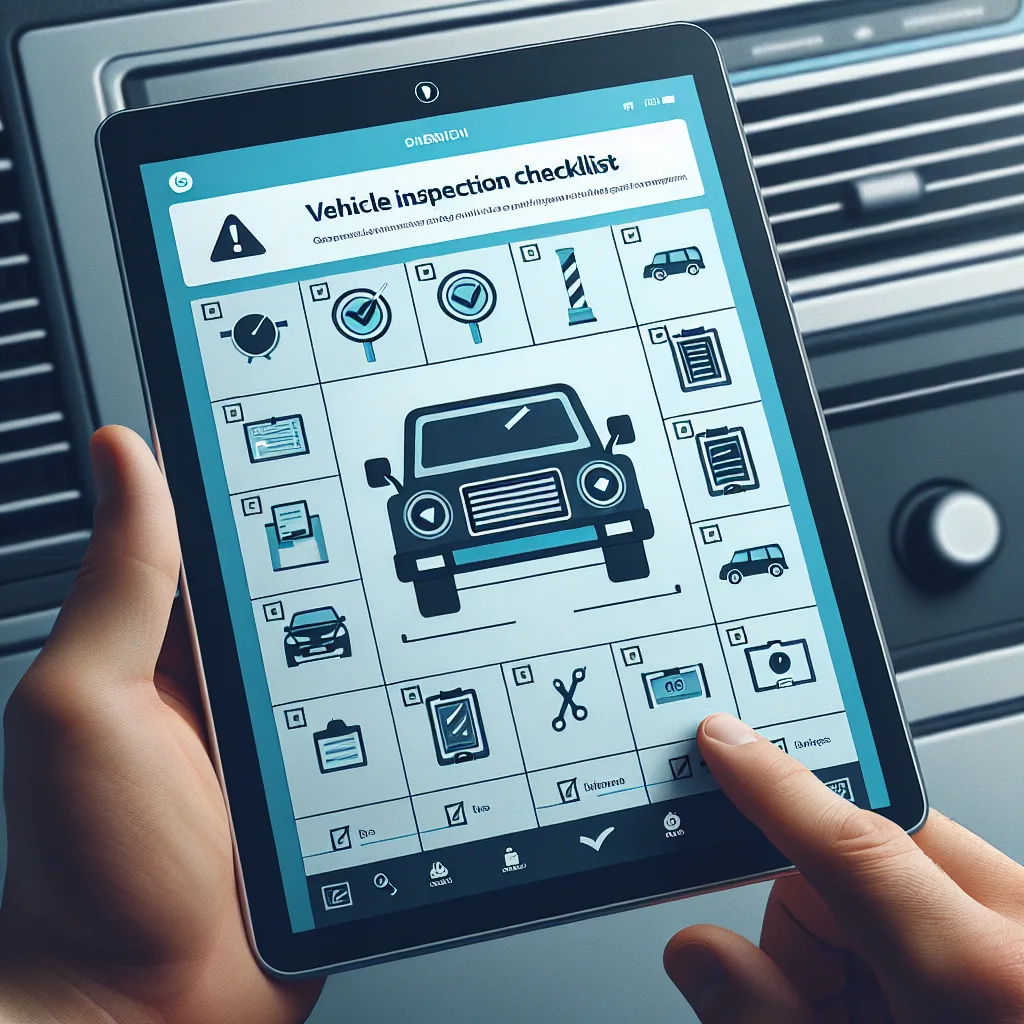
Replace paper inspection forms with digital pre-trip and post-trip vehicle inspections. Capture photos, track defects, get mechanic sign-off, and maintain FMCSA-compliant records — all from the driver’s phone.
A Driver Vehicle Inspection Report is a federally mandated document that ensures every commercial vehicle is safe to operate before it goes on the road.
Every inspection item organized by vehicle area. Drivers walk through each section systematically to ensure nothing is missed.
8 inspection items
6 inspection items
10 inspection items
5 inspection items
7 inspection items — completed when pulling a trailer
From opening the app to hitting the road, here is the complete digital inspection workflow that replaces clipboard-and-paper forever.
From the moment a driver finds a problem to the moment the vehicle is cleared for service, every step is tracked and documented.
Every defect is automatically classified into one of three severity levels based on the component involved:
The system maintains a complete audit trail from defect to resolution:
FMCSA compliance reviews and roadside inspections both examine DVIR records. Digital DVIRs make audit response faster and more thorough than paper.
A direct comparison showing why carriers are transitioning from paper inspection forms to digital DVIR systems.
| Criteria | VAU0 Digital DVIR | Paper Forms |
|---|---|---|
| Time to complete | 2–4 minutes (guided checklist) | 5–10 minutes (writing by hand) |
| Photo evidence | ✓ Photos attached to each defect | ✗ No photo capability |
| Mechanic notification speed | Instant push notification | Hours or next business day |
| Audit readiness | Search any DVIR in seconds | Manual search through filing cabinets |
| Record storage | Automatic cloud storage for 90+ days | Physical filing required, space-consuming |
| Search & filter | By vehicle, driver, date, defect status | Not possible without reading each form |
| Risk of lost forms | ✓ Zero — stored digitally | ✗ High — paper gets lost, damaged, wet |
| Completeness enforcement | App requires all items checked before submission | Drivers may skip items or leave blanks |
| Signature verification | Electronic signature with timestamp | Handwritten, sometimes illegible |
| Defect tracking | Full lifecycle from report to resolution | Relies on manual follow-up process |
| Cost per form | $0 (included in VAU0 platform) | $0.15–$0.50 per printed form |
| Environmental impact | Paperless, zero waste | Thousands of pages per year per fleet |
Inspection data does not just sit in a filing cabinet. It flows into your maintenance system, driving smarter decisions about vehicle upkeep and replacement.
Transitioning from paper DVIRs to digital takes minutes, not days. Here is how to get started.
Log in to your VAU0 carrier dashboard and add your vehicles to the fleet. Enter each vehicle’s unit number, VIN, year, make, and model. This information populates the DVIR form header automatically so drivers do not need to write vehicle details by hand. You can also upload your trailer inventory for combination vehicle inspections.
Each driver downloads the VAU0 app from the Google Play Store or Apple App Store. After logging in, the DVIR feature is immediately available. No additional configuration is needed. The app walks drivers through the inspection process with a guided checklist, so training takes only a few minutes. Most drivers are comfortable with the process after their first inspection.
As drivers complete DVIRs, reports appear on your carrier dashboard in real time. View all inspections for any vehicle, filter by date range or defect status, and drill into individual reports to see checklist details, photos, and signatures. Set up alerts for defects that require immediate attention. Your fleet’s inspection history is always at your fingertips.
DVIR integrates with other VAU0 platform features to create a complete compliance and maintenance management system.