
← All Features ✓ Live

Fleet Maintenance

Track maintenance schedules, repairs, and costs across your entire fleet. VAU0 gives you a single dashboard to manage preventive maintenance programs, work orders, parts inventory, and DOT annual inspections — with automatic defect reporting from DVIR integration.

Start Free → All Features →
PM
Preventive scheduling
$/mi
Cost tracking
DVIR
Integrated defect flow
$0
Free through 2026
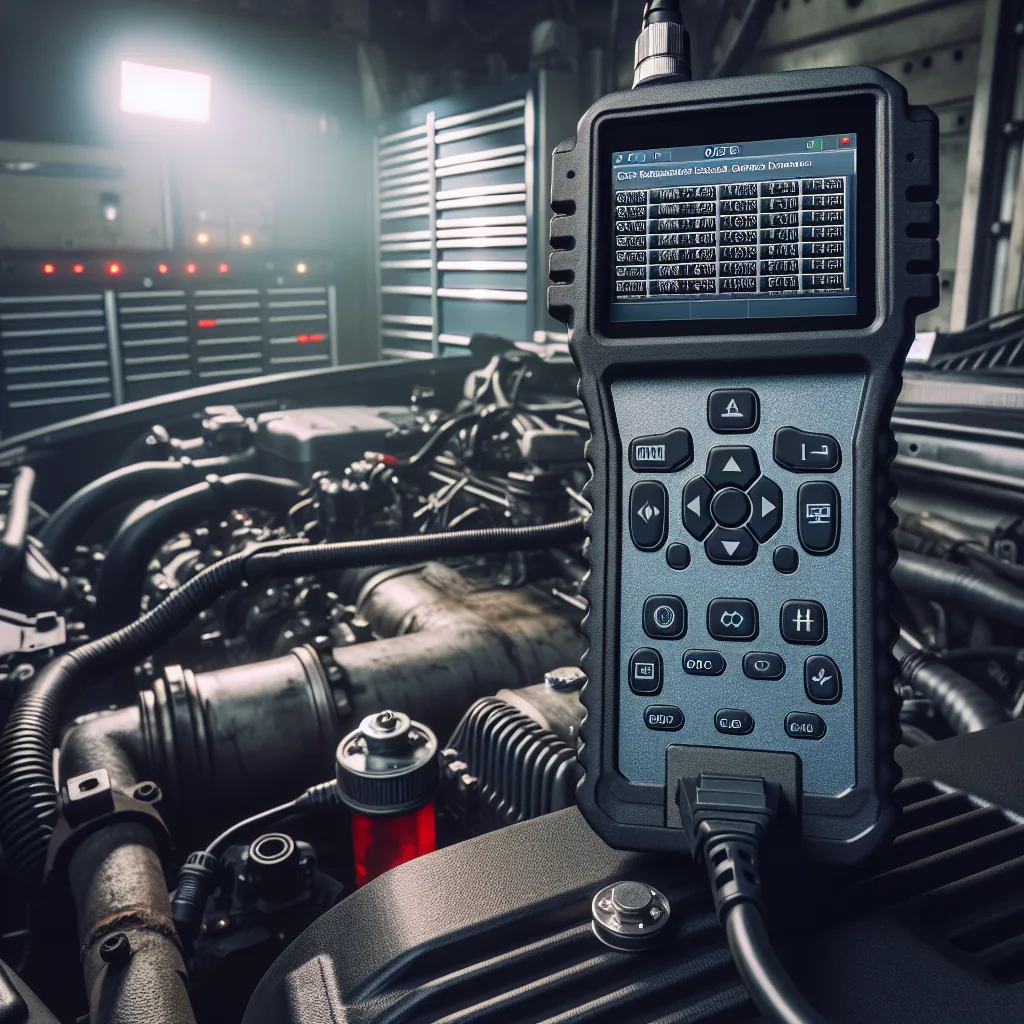
Fleet mechanic diagnosing truck with VAU0 ELD data
📊 Dashboard Overview
Everything about your fleet’s health in one view.
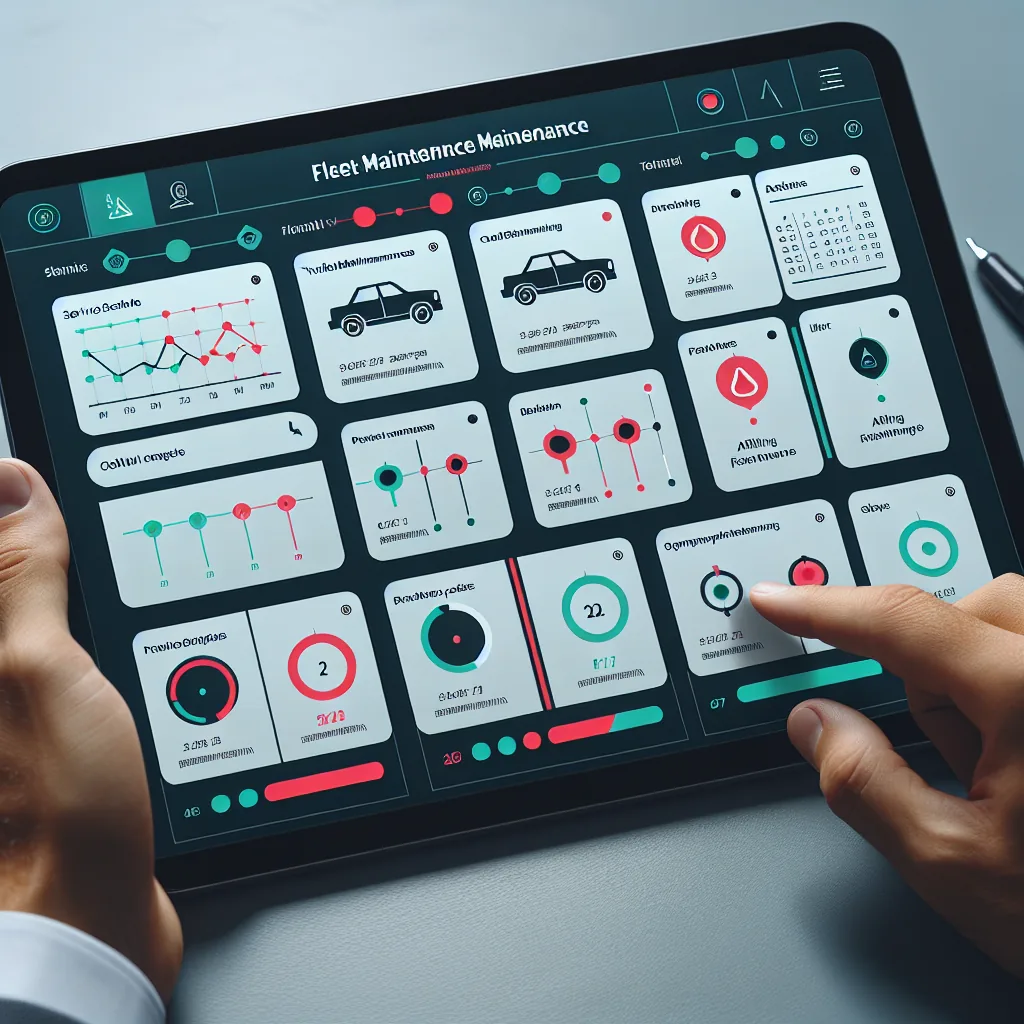
The maintenance dashboard shows fleet-wide status at a glance and lets you drill into any vehicle for full detail.
💚
Fleet Health Overview
See the percentage of vehicles that are current on all preventive maintenance, the number with upcoming service, and vehicles flagged for overdue PM. Color-coded indicators — green for current, yellow for approaching, red for overdue — give you an instant picture of fleet readiness without clicking into individual records.
📅
Upcoming Scheduled Maintenance
View all scheduled PM items across the fleet sorted by due date. Filter by vehicle, maintenance type, or shop location. Upcoming items include estimated mileage until due and the number of days remaining, so you can plan downtime around load schedules and driver availability.
📝
Open Work Orders
Track every active repair from creation through completion. Each work order shows the vehicle, the reported issue, assigned mechanic or shop, current status (pending, in progress, waiting for parts, completed), and estimated completion time. Open work orders are highlighted on the dashboard so nothing falls through the cracks.
🔧
Recent Repairs
A chronological list of all completed repairs across the fleet. Each entry shows the vehicle, repair date, description of work performed, parts used, labor hours, total cost, and the mechanic or shop that completed the work. Use this view to spot recurring issues across vehicles or identify trucks with increasing repair frequency.
💰
Cost Breakdown
Maintenance spending organized by vehicle, by month, and by cost category (tires, brakes, engine, electrical, body, fluids, filters). Drill into any vehicle to see its lifetime maintenance cost, cost per mile, and month-over-month trend. Compare vehicles of the same type to identify outliers that may need replacement rather than continued repair.
Engine fault code detection from ERETH ELD
🔄 PM Programs
Preventive maintenance schedules that adapt to your fleet.
Define PM intervals by miles or time. VAU0 tracks odometer readings and triggers alerts when service is due.
🛢
Oil & Filter Change
Recommended every 25,000 miles or 6 months, whichever comes first. Critical for engine longevity. Includes engine oil, oil filter, and inspection of belts and hoses during service.
  • Interval: 25,000 miles or 6 months
  • Avg cost: $250 – $400 per service
  • Downtime: 1 – 2 hours
Tire Rotation & Inspection
Inspect tread depth, sidewall condition, and air pressure every 50,000 miles. Rotate steer tires to drive positions when tread depth differential exceeds 4/32 inch. Replace tires below 4/32 tread depth on steer axle and 2/32 on drive and trailer axles.
  • Interval: 50,000 miles
  • Avg cost: $150 – $600 per tire
  • Downtime: 2 – 4 hours
🛑
Brake Inspection & Service
Full brake inspection every 75,000 miles or annually. Includes brake lining thickness measurement, drum/rotor condition, slack adjuster function, air system check, and brake chamber inspection. Brake adjustments performed as needed during inspection.
  • Interval: 75,000 miles or 12 months
  • Avg cost: $400 – $1,200 per axle
  • Downtime: 4 – 8 hours
📋
DOT Annual Inspection
Required by 49 CFR 396.17 every 12 months for every commercial motor vehicle. Must be performed by a qualified inspector. Covers brakes, steering, suspension, frame, fuel system, exhaust, coupling devices, tires, wheels, lighting, and more. Inspection sticker and report must be carried on the vehicle.
  • Interval: 12 months (mandatory)
  • Avg cost: $150 – $350 per vehicle
  • Downtime: 2 – 4 hours
⚙️
Transmission Service
Transmission fluid change and filter replacement every 150,000 miles. Includes inspection of clutch or torque converter, shift linkage, and transmission mounts. Early detection of bearing wear or gear damage prevents costly roadside failures.
  • Interval: 150,000 miles
  • Avg cost: $500 – $800
  • Downtime: 4 – 6 hours
🌡️
Coolant Flush & DPF Cleaning
Coolant system flush every 300,000 miles to prevent overheating and corrosion. DPF (diesel particulate filter) cleaning every 200,000 miles to maintain emissions compliance and engine performance. A clogged DPF reduces fuel economy and can trigger derating events.
  • Coolant: 300,000-mile interval
  • DPF: 200,000-mile interval
  • Combined downtime: 6 – 10 hours
How VAU0 Tracks PM Intervals
When a driver logs in via the ERETH ELD, the current odometer reading is captured automatically. VAU0 compares each vehicle’s odometer against its PM schedule and calculates when the next service is due. If the vehicle is approaching a PM threshold (within 10% of the mileage interval or 14 days of the time interval), alerts are sent to the fleet maintenance manager. If the PM becomes overdue, the vehicle status changes to red on the dashboard.
Fleet maintenance schedule and alert dashboard
📝 Work Orders
Create, assign, and track every repair.
From initial issue identification through completed repair, every step is documented and searchable.
1
Issue Identified
A maintenance issue is identified through one of three channels: a driver DVIR defect report, a scheduled PM coming due, or an unplanned breakdown. Each source feeds into the same work order system.
2
Work Order Created
A work order is generated with the vehicle ID, description of the issue, priority level (low, medium, high, critical), and the source of the report. Critical items are flagged for immediate attention.
3
Assigned to Mechanic or Shop
The maintenance manager assigns the work order to an in-house mechanic or an external repair shop. The assignee receives a notification with all details needed to begin the repair.
4
Parts Tracked
Parts used in the repair are logged with part number, description, quantity, unit cost, and vendor. This builds a parts history per vehicle and helps identify frequently replaced components.
5
Labor Hours Logged
The mechanic records time spent on the repair. For external shops, labor charges are entered from the invoice. Labor cost per hour and total labor cost are calculated and stored with the work order.
6
Repair Completed & Signed Off
The mechanic marks the work order as complete and signs off. For safety-critical items (brakes, steering, tires), a second verification step can be required before the vehicle returns to service.
7
Vehicle Returned to Service
Once the repair is verified, the vehicle status is updated to “active” in the fleet management system. The driver and dispatcher are notified that the truck is available for assignment.
8
Cost Recorded Against Vehicle
Total repair cost (parts + labor) is recorded in the vehicle’s maintenance history. This feeds into the cost-per-mile calculation and the fleet cost analysis reports.
🔄 DVIR Integration
From driver defect report to completed repair — automatically.
No manual handoff, no lost repair requests, no forgotten defects.
Driver Reports Defect in DVIR
During a pre-trip or post-trip inspection, the driver identifies a defect — a cracked windshield, a low tire, a flickering brake light, a damaged mirror, or any other issue. The driver logs it in the digital DVIR through the VAU0 mobile app, including a description and optional photos.
  • Pre-trip inspection catches issue
  • Driver logs defect with description
  • Photos attached for clarity
  • Severity level selected by driver
Work Order Auto-Created
The moment a DVIR defect is submitted, VAU0 automatically generates a maintenance work order. The work order contains the vehicle ID, defect description, driver photos, the driver’s name, and the date and time of the report. No one needs to manually create anything — the system handles it.
  • Automatic work order generation
  • All defect details transferred
  • Photos linked to work order
  • Priority set based on defect type
Mechanic Notified and Repair Tracked
The assigned mechanic or shop receives a push notification with the work order details. As the repair progresses, status updates are logged. Parts and labor are tracked against the work order. The maintenance manager can view progress in real time from the dashboard.
  • Push notification to mechanic
  • Real-time status updates
  • Parts and labor tracking
  • Manager oversight dashboard
Sign-Off and Vehicle Cleared
Once the repair is complete, the mechanic signs off on the work order. The original DVIR defect is marked as repaired. The vehicle’s status updates to “cleared” and the driver can see that the defect has been resolved. Full traceability from report through repair.
  • Mechanic sign-off required
  • DVIR defect marked resolved
  • Vehicle cleared for service
  • Complete audit trail maintained
Zero Manual Handoff
The traditional process — driver writes defect on paper, hands it to dispatcher, dispatcher tells maintenance manager, maintenance manager calls shop — introduces delays and lost information at every step. VAU0 eliminates all manual handoffs. The defect goes from the driver’s phone directly into a tracked work order with full detail and photo evidence.
📈 Cost Analysis
Know exactly what maintenance costs you.
Track spending per vehicle, per mile, and per category to make data-driven fleet decisions.
💲
Cost Per Vehicle Per Month
Every repair, PM service, and parts purchase is recorded against the specific vehicle. Monthly totals are calculated automatically. Compare month-over-month trends to identify vehicles with rising maintenance costs — a common sign that a truck is approaching end of useful life. Vehicles exceeding your fleet average by more than 150% are flagged for replacement review.
🚗
Cost Per Mile
Total maintenance cost divided by miles driven gives you a true cost-per-mile figure for each vehicle. The industry average for Class 8 trucks is approximately $0.15 to $0.20 per mile. Vehicles significantly above this threshold may be costing more to keep running than they generate in revenue. VAU0 calculates this automatically using odometer data from the ELD.
📊
Cost by Category
Break down maintenance spending into categories: tires, brakes, engine, electrical, body and frame, HVAC, exhaust and emissions, transmission, suspension, and fluids/filters. Identify which categories consume the largest share of your maintenance budget. If tire costs are disproportionately high, it may indicate alignment issues or poor tire management practices.
🕐
Replacement Timing
As maintenance costs rise with vehicle age and mileage, there comes a point where replacing a truck is more economical than continuing to repair it. VAU0 tracks the cost trend over time and helps you identify that crossover point. Compare the projected maintenance cost of keeping a vehicle for another year against the cost of financing a replacement.
$0.15
Industry avg cost/mile
47%
Tires & brakes share
5–7 yr
Avg replacement cycle
$15K
Avg annual maint/truck
📈 Comparison
VAU0 vs. Paper and Spreadsheets
See how digital fleet maintenance management compares to traditional methods.
Feature VAU0 Fleet Maintenance Excel / Spreadsheets Paper Records
Automated PM Alerts Mileage & time-based Manual formulas Calendar reminders
Work Order Tracking Full lifecycle Row in spreadsheet Paper forms in folder
Cost Per Vehicle Automatic calculation Sum formulas Add receipts manually
DVIR Integration Auto work orders Manual entry Paper handoff
Vendor Management Shop database Contact list Business cards
Parts Tracking Per work order Separate sheet Receipts in box
Audit Trail Complete history Version confusion Papers lost or damaged
Report Generation One-click export Build charts manually Not possible
📋 Annual Inspections
DOT Annual Inspection Tracking — 49 CFR 396.17
Every commercial motor vehicle in your fleet must pass an annual inspection by a qualified inspector. Missing this deadline puts the vehicle out of service.

What VAU0 Tracks

  • Last inspection date — When the vehicle was last inspected and by whom.
  • Next due date — Calculated as 12 months from the last inspection. Highlighted when approaching.
  • Inspector information — Name, certification number, and shop or facility where the inspection was performed.
  • Inspection report — The full inspection report is uploaded and stored with the vehicle record, accessible for roadside inspection verification.
  • Defects found — Any defects identified during the annual inspection are logged and automatically generate maintenance work orders.
  • Sticker number — The inspection sticker number is recorded for cross-reference.

Alert Schedule

VAU0 sends alerts well before the annual inspection expires so you have time to schedule the vehicle for service:
60d
Early warning. Start scheduling the vehicle for its annual inspection.
30d
Reminder. Inspection should be scheduled by now.
14d
Urgent. Vehicle must be inspected within two weeks or it becomes out of compliance.
7d
Critical. Vehicle will be overdue for inspection in one week. Daily alerts begin.
Consequence of missed annual inspection: A vehicle operating without a current annual inspection is subject to out-of-service orders during roadside inspections. The carrier faces FMCSA violations under 49 CFR 396.17, which affect CSA scores and can result in fines. During a compliance review, missing annual inspections are a significant finding that can lead to a conditional or unsatisfactory safety rating.
🚀 Getting Started
Four steps to organized fleet maintenance.
Set up maintenance tracking for your fleet today. No contract, no credit card required.
1
Add your vehicles
Enter each vehicle with its VIN, year, make, model, and current odometer reading. Assign vehicle types (tractor, trailer, straight truck, van) to apply the correct PM schedules. Bulk import is supported via CSV for fleets with existing vehicle lists.
2
Set PM schedules per vehicle type
Define preventive maintenance intervals by mileage or time for each vehicle type. Set oil changes at 25,000 miles, brake inspections at 75,000 miles, DOT annual inspections at 12 months, and any other PM items specific to your fleet. VAU0 provides default templates that you can customize.
3
Connect DVIR for automatic defect reporting
Enable the DVIR integration so that driver inspection defects automatically create maintenance work orders. When your drivers use the VAU0 mobile app for pre-trip and post-trip inspections, any defects they report will flow directly into the maintenance system without any manual steps.
4
Start logging maintenance and tracking costs
Begin creating work orders for all repairs and PM services. Log parts, labor, and costs against each vehicle. Over time, VAU0 builds a complete maintenance history for every vehicle in your fleet, giving you the data you need to make informed decisions about repairs, replacements, and budget planning.
🔗 Related Features
Explore more VAU0 features.
Fleet maintenance works alongside these tools to keep your operation running smoothly.
Professional fleet maintenance program
Take control of your maintenance costs.
Every fleet maintenance feature on this page is available today — free through December 2026. Add your vehicles, set your PM schedules, and let VAU0 handle the rest.